
Vet any influencer before you pay them
Review a public creator's engagement, audience demographics and past brand deals, with an audience-quality estimate when available.

 @lorealparis
 @adanola
 @adanola
Measured by Click Analytic, September 2026
Trusted by 3,500+ brands and agencies
 4.8 ★★★★★ G2
 4.8 ★★★★★ Capterra


Working with hundreds of influencers means vetting hundreds of influencers.
Do it in seconds, not hours. Influencer vetting reveals the right audience, fake followers, engagement performance and past brand deals on any public profile, so you only invest in influencers that deliver.
Vet any public creator in three steps
Search a creator
Enter any public handle with 1K+ followers on Instagram, TikTok or YouTube and Click pulls the full report.
Review the report
Audience quality, fake followers, demographics, growth, pricing and past brand deals, all in one view.
Compare & share
Compare creators side by side, find lookalikes and share a public report link with your team or clients.
Everything you need to vet a creator
A full performance report on any creator
Analyze any public creator with 1K+ followers. Get engagement rate, follower growth, average reels views, likes, comments, posting frequency, estimated pricing and historical performance.
- Engagement, growth and avg. views
- Estimated pricing and EMV
- Historical performance trends
Measured by Click Analytic, September 2026
Spot fake followers before you invest
Instantly identify real, fake, inactive, business and influencer followers with an Audience Authenticity Score, so you evaluate the true quality of a creator's audience.
- Audience Authenticity Score
- Real vs fake vs inactive breakdown
- Followers and likers quality
Know exactly who a creator reaches
Understand a creator's audience by country, city, gender, age, language and interests, so you only pay for creators whose audience matches the customers you want.
- Country, city and language splits
- Gender and age breakdowns
- Audience interests and brand affinity

See every brand a creator has worked with
Discover which brands a creator has partnered with, how often they mention them and their sponsored content, so you can judge brand fit and spot conflicts before you reach out.
- Past brand partnerships
- Top mentions and hashtags
- Sponsored posts and their performance


Compare creators and find lookalikes
Compare creators side by side to see shared audience percentages and avoid duplication, then find lookalike creators with similar audiences and performance to scale what works.
- Audience overlap between creators
- Lookalike creator discovery
- Side-by-side benchmarking
Share any report with anyone
Generate a public link to any creator or brand report and send it to clients or your team, no login needed. Or push a full analysis into Google Sheets through our API.
- Public report links, valid 1 year
- Revoke access anytime
- Google Sheets export via API
Influencer vetting built to protect your budget
Public creators you can analyze across Instagram, TikTok and YouTube.
Creators analyzed each month on Click Analytic.
Different data points on every creator, all on Click Analytic.
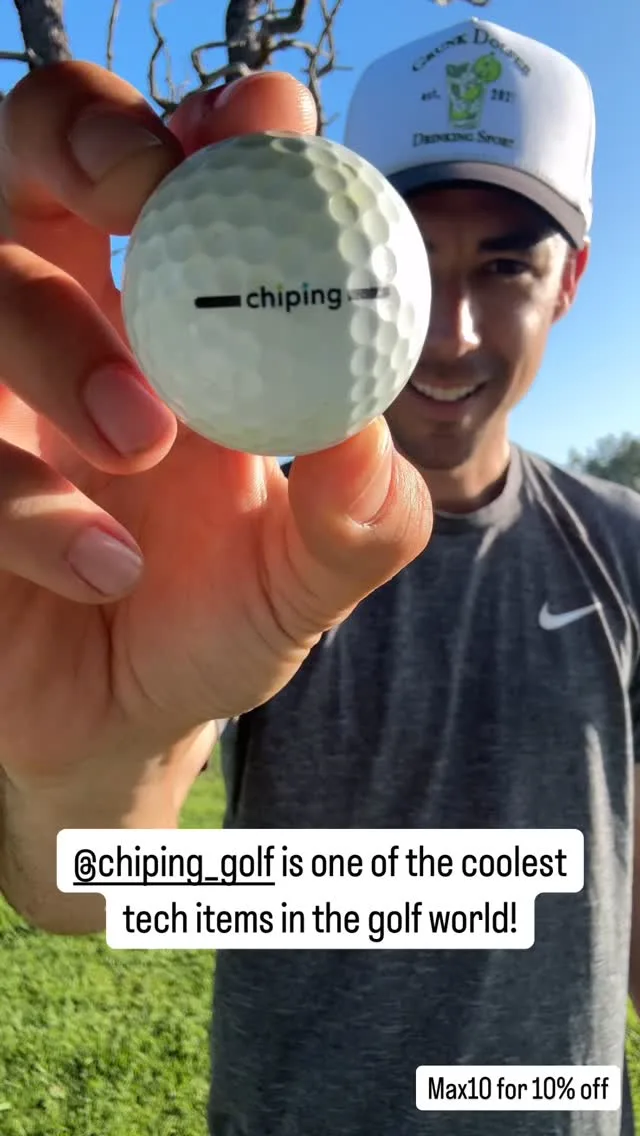
How Chip-ing picks creators that actually convert
“Click Analytic transformed our marketing. Vetting creators before we paid them meant every collaboration landed, and within weeks we multiplied our sales.”

Hear it from our customers
We found out Sydney Sweeney was already using Skyn ICELAND thanks to Click Analytic.

Click Analytic transformed our marketing. Within just a few weeks, we multiplied our sales and finally found a channel that consistently delivered. A 10 out of 10.
We launched hoping to get noticed. Ten days later we had thousands of new followers, sales coming in, and people talking about the brand.

The features are outstanding: from the 400M+ creator database to the lookalike tool and keyword search, all of which saved us countless hours. A perfect fit for smaller brands.

Click was life changing for our team. The data is so precise it feels like a Google search for Instagram or TikTok. It instantly shows every creator in a city, posting about what we need, with the right stats.

It helped us set up and scale our influencer program to generate +10K new sign-ups in less than a month.

Tracking campaigns meant spending weekends taking screenshots. With Click Analytic it's all automated, saving my team hours.

My team at Trio has used Click Analytic for all our campaigns over the past 2 years, from finding creators, to tracking results, to paying influencers directly in the tool.

Run your whole influencer program in one platform
From finding creators to paying them, Click Analytic runs every step of your program, not just vetting.
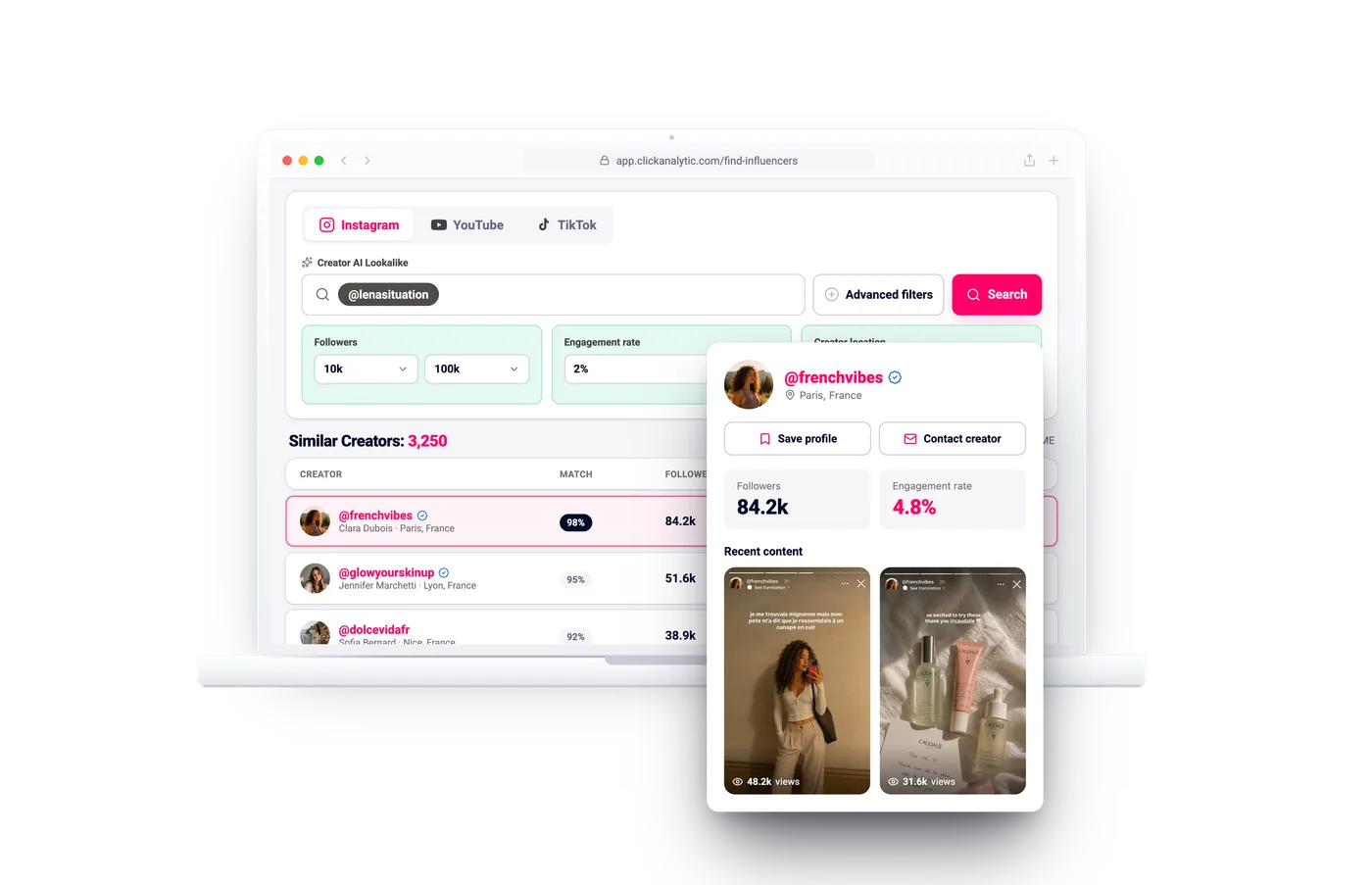
Influencer Discovery
Search 400M+ creators by what they actually post, with audience quality upfront.
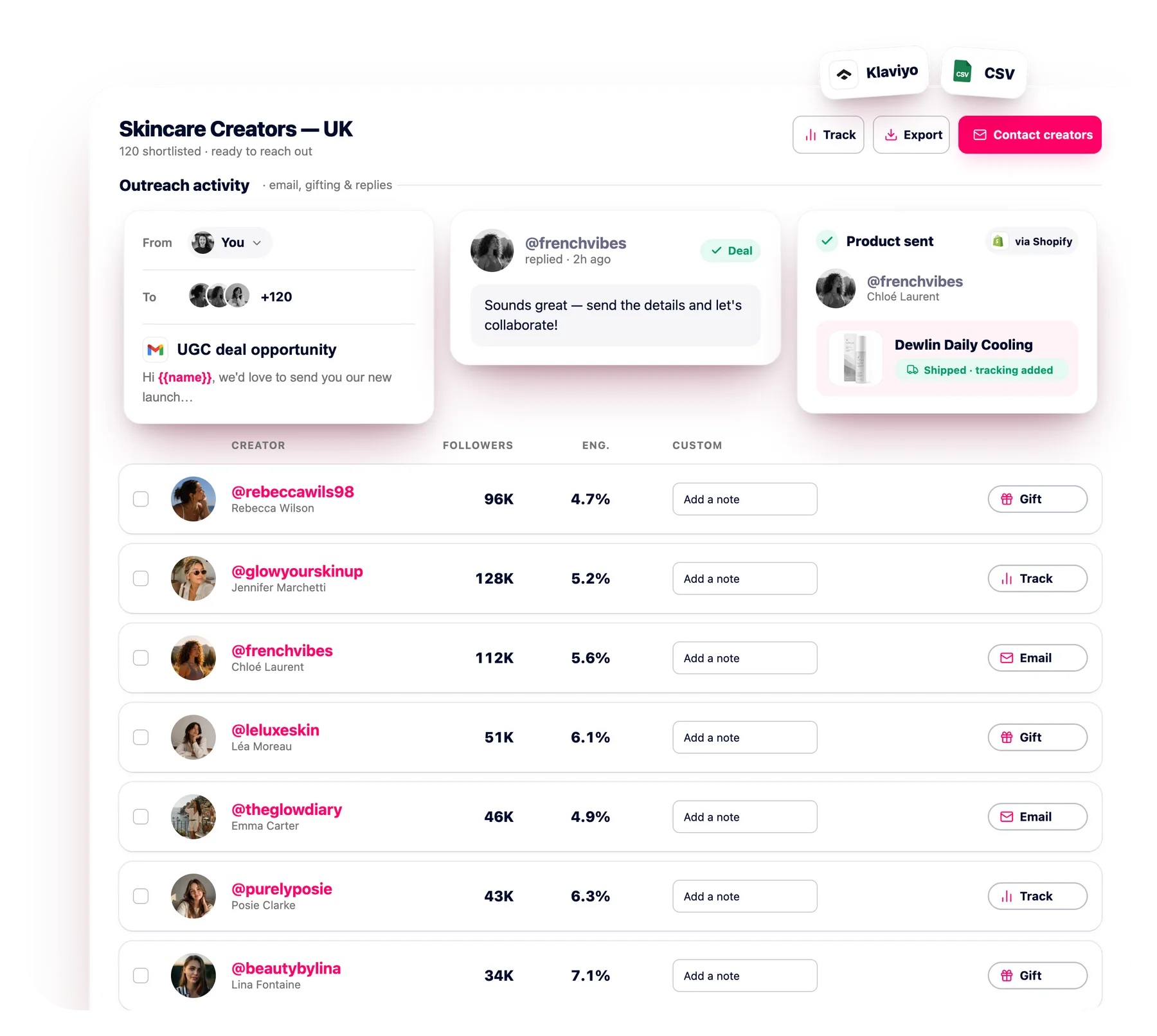
Outreach CRM
Email hundreds of creators at once with automated follow-ups, every reply in one inbox.
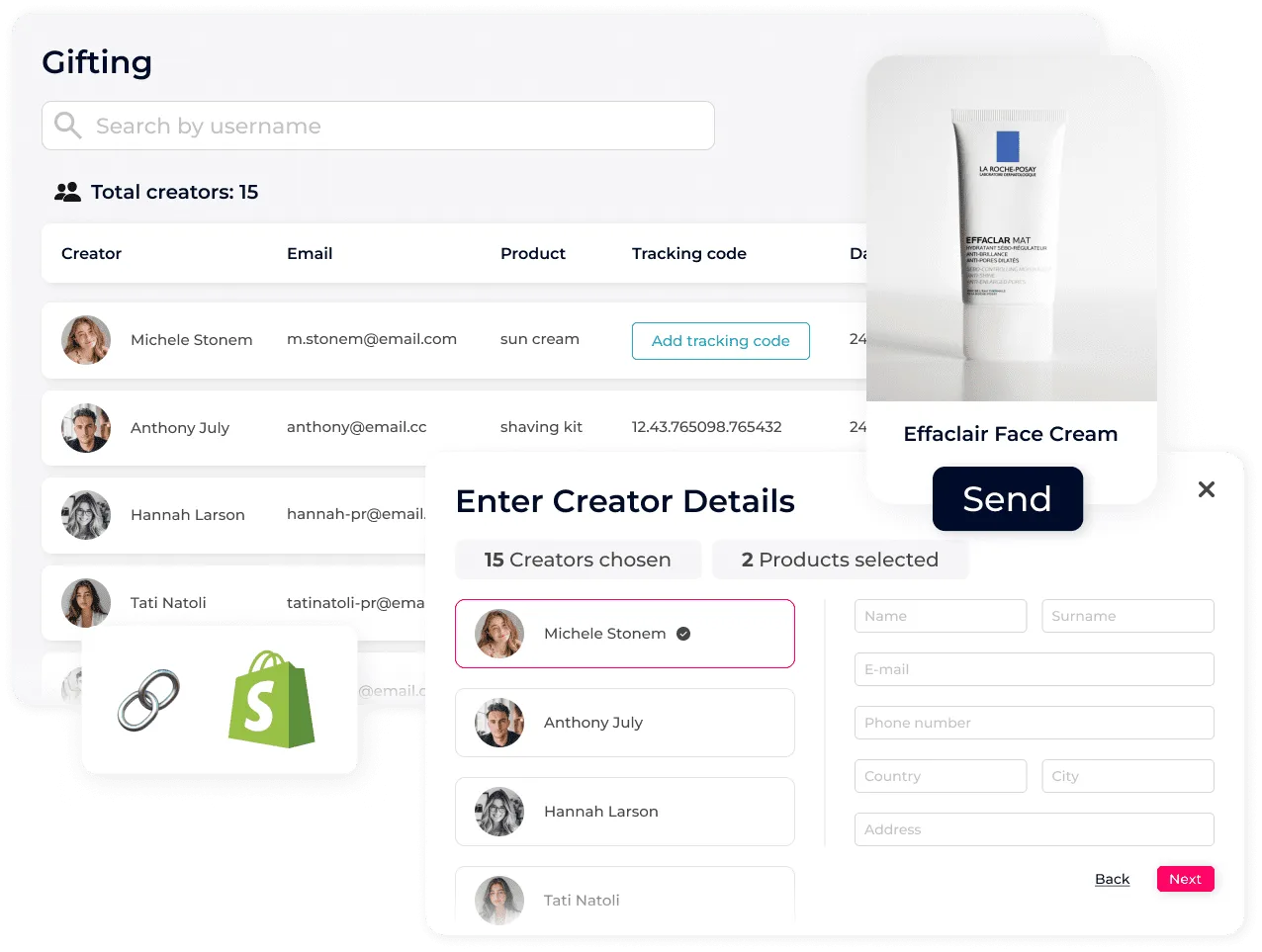
Gifting & Seeding
Ship product and track every send at scale, straight from Shopify.
Which creators can I analyze?
Any public creator with 1,000+ followers on Instagram, TikTok or YouTube. You can also run the same analysis on brands, including your own or competitors.
How do you detect fake followers?
Where audience-credibility data is available, the report classifies a sample of followers as reachable, influencer or business, or unreachable, and shows the Audience Authenticity Score (AAS).
What data is in a report?
Engagement, growth, average views, estimated reach and pricing, audience demographics and quality, past brand collaborations, sponsored posts, top content and lookalikes.
Can I share a report externally?
Yes. Generate a public link to any report and send it to clients or your team with no login. Links stay valid for 1 year and you can revoke access anytime.
Can I export the data?
Yes. Recipients can save any report as PDF, and our Google Sheets integration can push a full creator analysis into columns via our API.
Start vetting every creator
No credit card required. Analyze your first creator and see the full report in seconds.
Get My Free Access
 rebeccawils98Tracked3/5