
Get the email behind any Instagram profile
Surface an Instagram creator's public business email from their bio, contact button, and Linktree, then unlock it to your list, export to CSV, or push it into outreach. Only what a professional account chose to display, never private data.
Trusted by 3,500+ brands and agencies
 4.8 ★★★★★ G2
 4.8 ★★★★★ Capterra


A DM rots in Requests. An email lands in an inbox they check.
Instagram gives creators a contact button, and professional accounts switch it on precisely so brands will email them. The catch is that you can only read one profile at a time. Click Analytic checks the contact button, the bio and the link-in-bio page across 240M+ indexed Instagram creators, then unlocks the address to your list in one click.
Three steps to the address behind a professional account
Find or add a creator
From search, monitoring, or a pasted Instagram handle.
Unlock the public email
One click reads the contact button and the bio, then saves the address to your list.
Export or push to outreach
Push into a sequence, sync it to your CRM, or take the CSV and go.
From an Instagram handle to a reachable inbox
Public email finder
Pulled from the bio, contact button, and Linktree.
- Surfaced from public sources
- Bio, contact button and Linktree
- Business contacts, not scraped private ones
One-click unlock to your list
One click on a saved Instagram profile writes the address to the record.
- Reveal the email in one click
- Saved onto the creator record
- No copy-paste into a spreadsheet
Bulk unlocks
Run the unlock across every Instagram profile on the list at once.
- Unlock a whole shortlist at once
- No one-creator-at-a-time hunting
- Built for real campaign volume
CSV export
Take your list anywhere.
- Export the full list to CSV
- Take your data anywhere
- Never locked in
Push to outreach
Push the unlocked list into a sequence, or hand it to Gmail or Klaviyo.
- Into Email Outreach sequences
- Push to Gmail or Klaviyo
- No re-importing anywhere
Saved on the creator record
The address sits beside audience quality, vetting notes, and CRM history.
- Email and handles in one place
- Alongside vetting and CRM data
- One record, the whole relationship
The public email, without the hunting
Reveals the address behind an Instagram professional account.
Clear an Instagram shortlist in one pass, not profile by profile.
Only what a professional account chose to display, never private data.
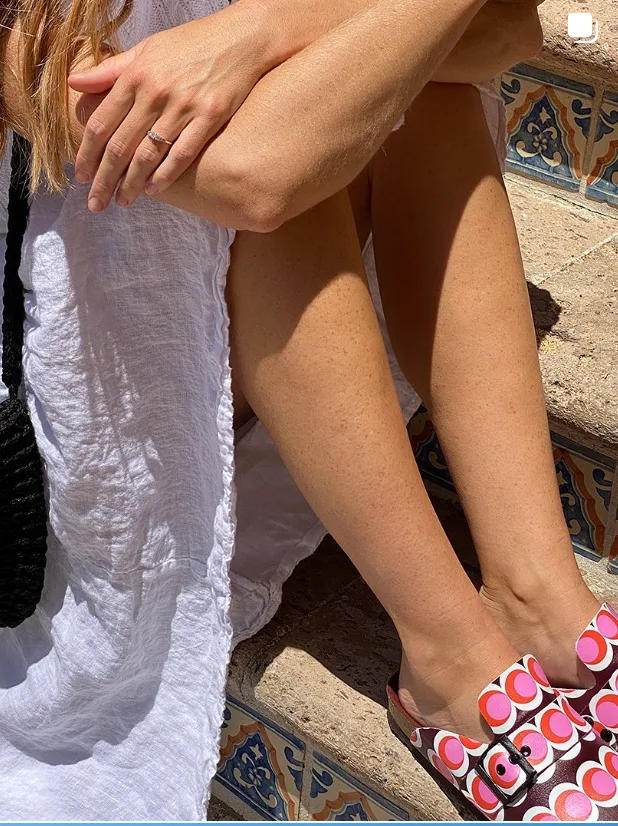
How Shop Balou went from chasing creators to creators chasing them
“Before the campaign, we were the ones reaching out to creators. Afterwards, creators started reaching out to us.”

Hear it from our customers
We found out Sydney Sweeney was already using Skyn ICELAND thanks to Click Analytic.

Click Analytic transformed our marketing. Within just a few weeks, we multiplied our sales and finally found a channel that consistently delivered. A 10 out of 10.

We launched hoping to get noticed. Ten days later we had thousands of new followers, sales coming in, and people talking about the brand.
The features are outstanding: from the 400M+ creator database to the lookalike tool and keyword search, all of which saved us countless hours. A perfect fit for smaller brands.

Click was life changing for our team. The data is so precise it feels like a Google search for Instagram or TikTok. It instantly shows every creator in a city, posting about what we need, with the right stats.
It helped us set up and scale our influencer program to generate +10K new sign-ups in less than a month.

Tracking campaigns meant spending weekends taking screenshots. With Click Analytic it's all automated, saving my team hours.

My team at Trio has used Click Analytic for all our campaigns over the past 2 years, from finding creators, to tracking results, to paying influencers directly in the tool.
What you do once you have the email
The email opens the conversation. The Instagram campaign runs in the same place.
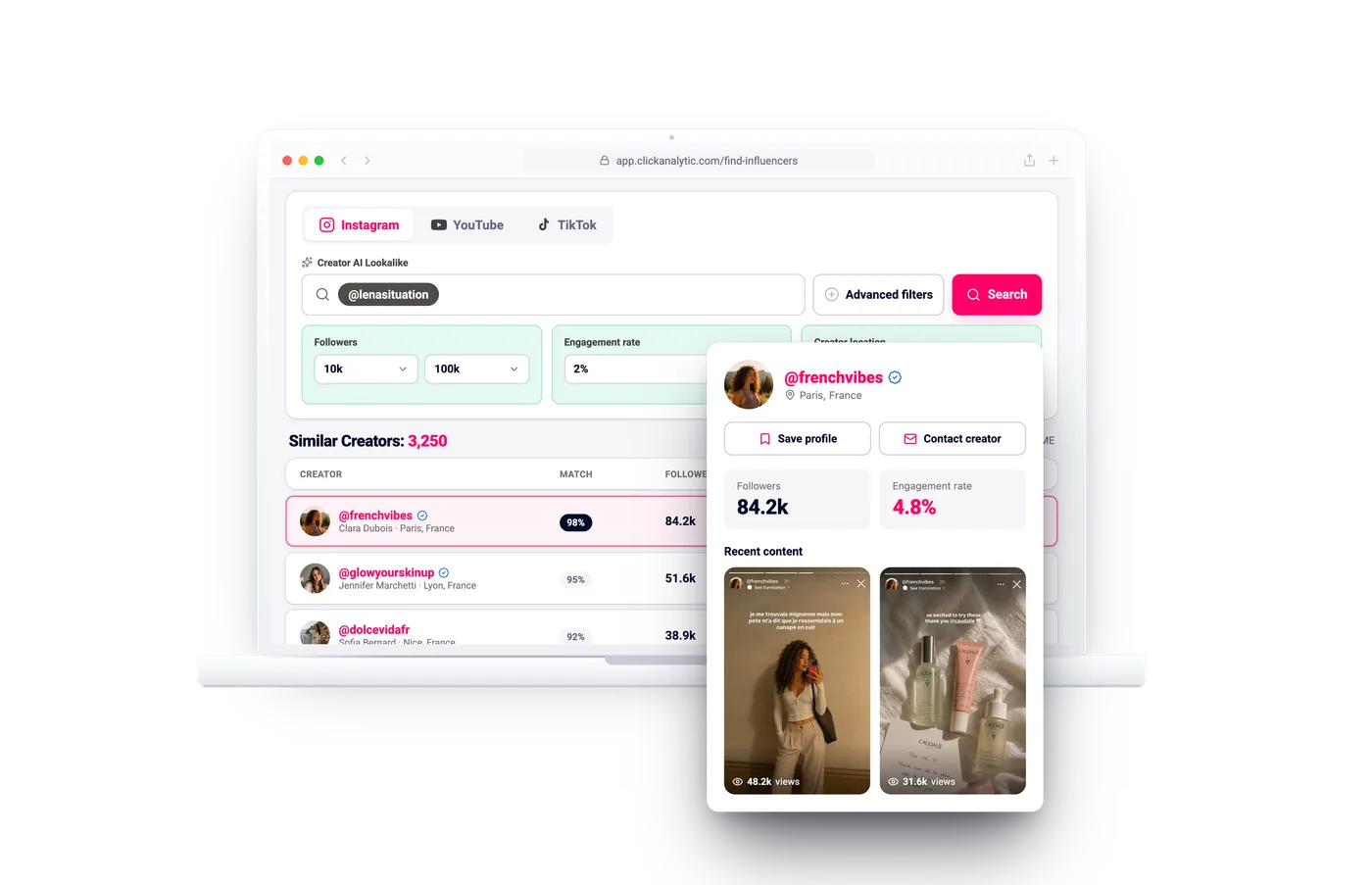
Influencer Discovery
Search 400M+ creators by what they actually post, with audience quality upfront.
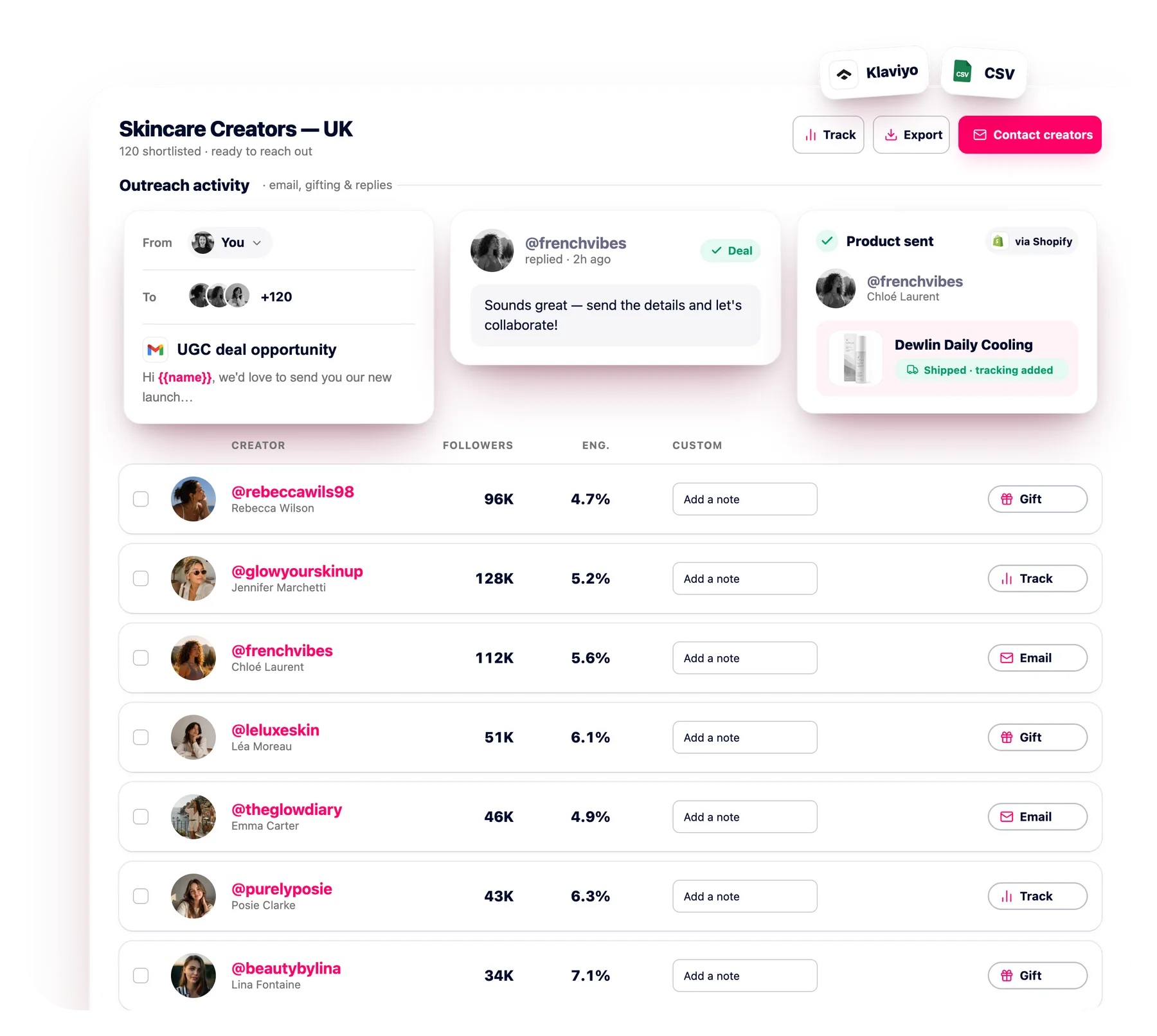
Outreach CRM
Email hundreds of creators at once with automated follow-ups, every reply in one inbox.
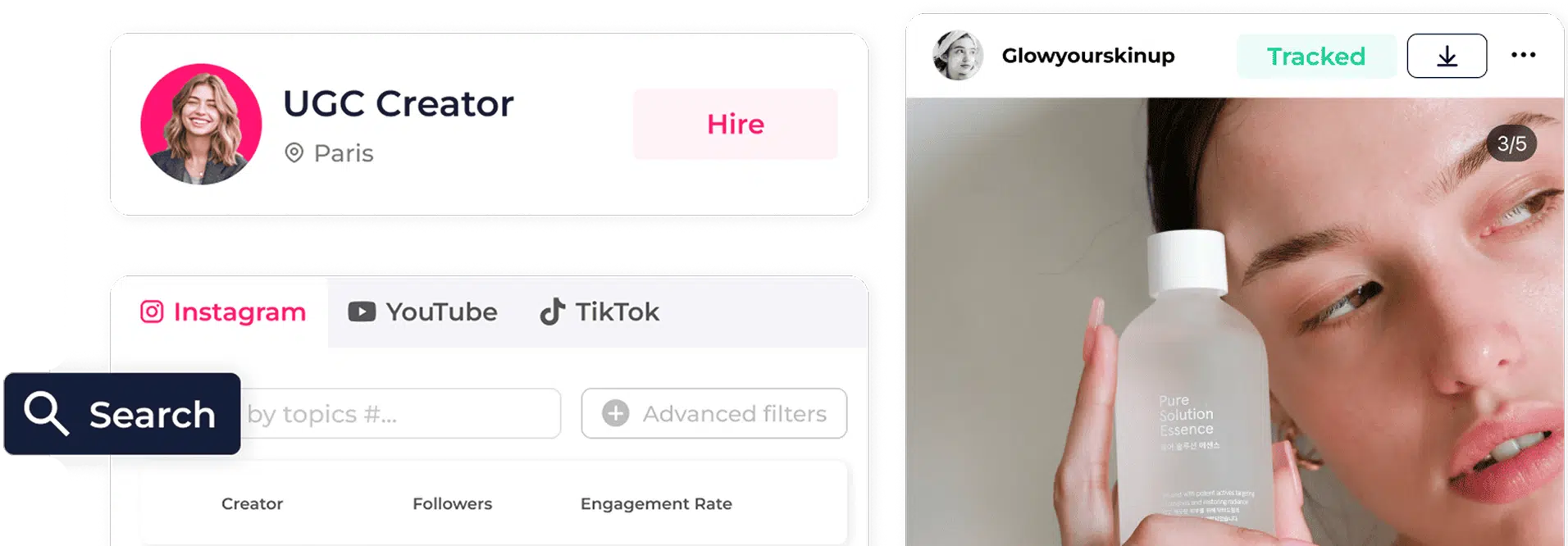
Creator CRM
One shared record per creator: status, notes, contracts and renewals, reused every campaign.
Where do Instagram creator emails come from?
Public sources the creator has shared: the contact button on business and creator accounts, the bio, and link-in-bio pages like Linktree. Public and business contacts only.
Why do some Instagram creators show no email?
Personal accounts have no contact button, and some creators leave it off to steer brands toward DMs or a manager. When no public email exists, no finder can invent one. The bio link or a short, specific DM is the honest next step.
Is this GDPR-compliant?
Yes. A professional account publishes its contact address on purpose, and that is the only thing we read. You still choose who to email and when.
Can I unlock Instagram emails in bulk?
Yes. Unlock across a whole shortlist at once, not one profile at a time.
Can I push the emails into outreach?
Yes. Move them into an Email Outreach sequence, connect Gmail or Klaviyo, or export the CSV and send from your own stack.
How many unlocks do I get?
Free unlocks every day on the free tier, with higher limits on paid plans. See pricing.
What about creators on a personal Instagram account?
A personal profile has no contact button, so there is no button to read. If the creator still published an address in the bio or on a Linktree, that surfaces. If not, the bio link or a short, specific DM is the honest next step.
Should I just DM the creator instead?
A DM from a brand account lands in Requests, where most creators never look. An email reaches the inbox they opened for business, which is the whole reason they published the address.
Can I check the audience before I email?
Yes. The audience quality score sits on the same creator record as the address, so you can drop the weak profiles off the list before you write a single email.
How is this different from the TikTok email finder?
Same unlock, different sources. Instagram leads with the contact button on professional accounts, backed by the bio and the link-in-bio page. On TikTok the address more often sits in the bio line or on a Linktree, so the finder looks there first.
Does this work for YouTube channels too?
Yes, the same unlock covers YouTube. What changes is where the address sits. On YouTube it is the business inquiry email on the channel About page, which is sometimes behind a captcha, and on a managed channel it can belong to an MCN or an agency rather than the creator. On Instagram it comes from the contact button on a professional account, the bio, and the link-in-bio page.
Can I search Instagram, TikTok and YouTube in one place?
Yes. The same database covers all three, so a shortlist that mixes platforms comes back as one list with the contact details on each record. Only the source changes: the contact button on Instagram, the bio line or a Linktree on TikTok, the About page on YouTube.
Get the email behind any Instagram creator
Free 14-day trial, no card needed. Unlock public Instagram creator emails and open the conversation today.
Find an email
 rebeccawils98Tracked
 3/5
3/5