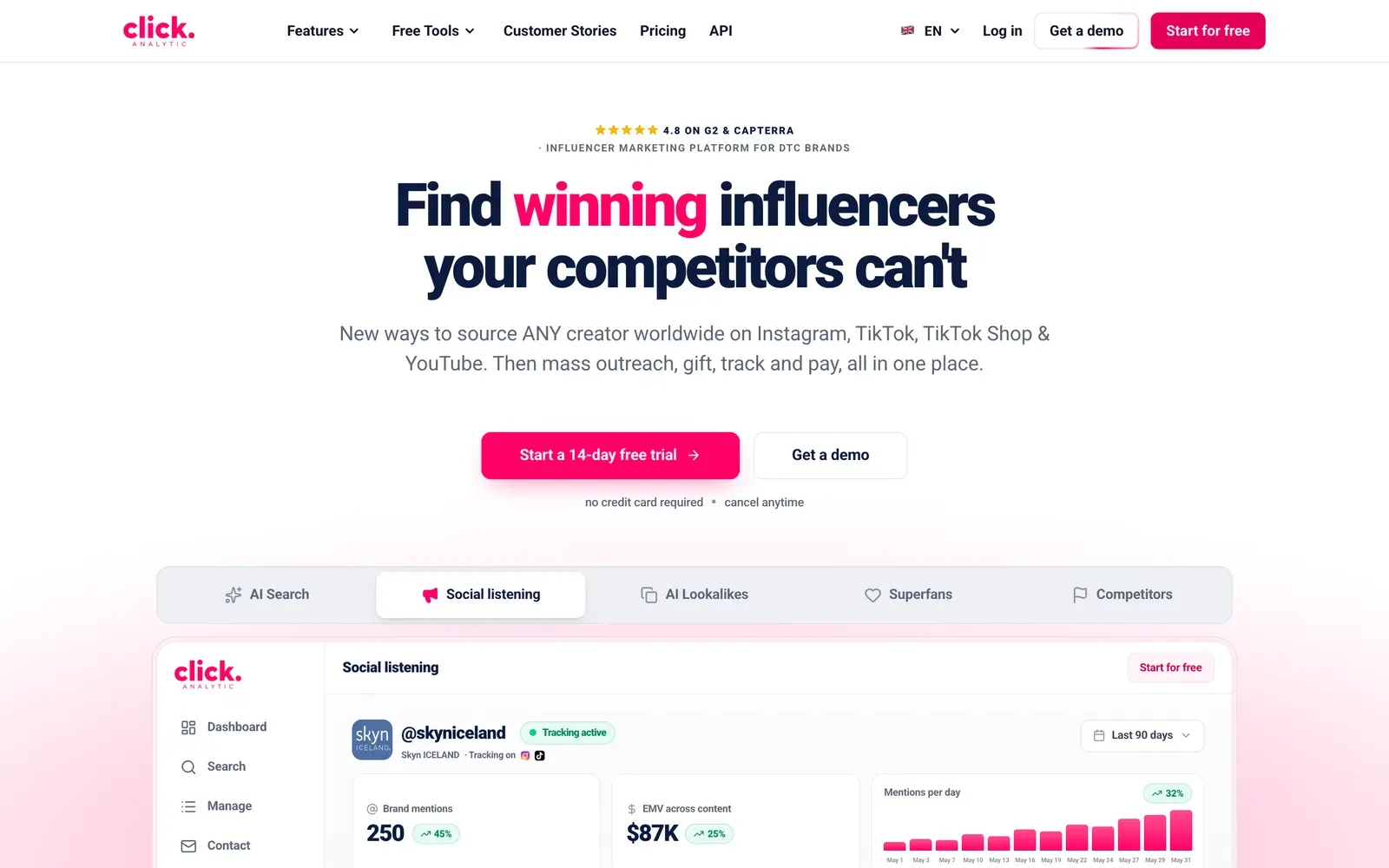

Finding the right creators is the hardest part of influencer marketing, and your biggest edge over competitors. Here is the exact system our team uses to go from a blank search to a vetted shortlist.
Before you start: 4 things to know about the search tool
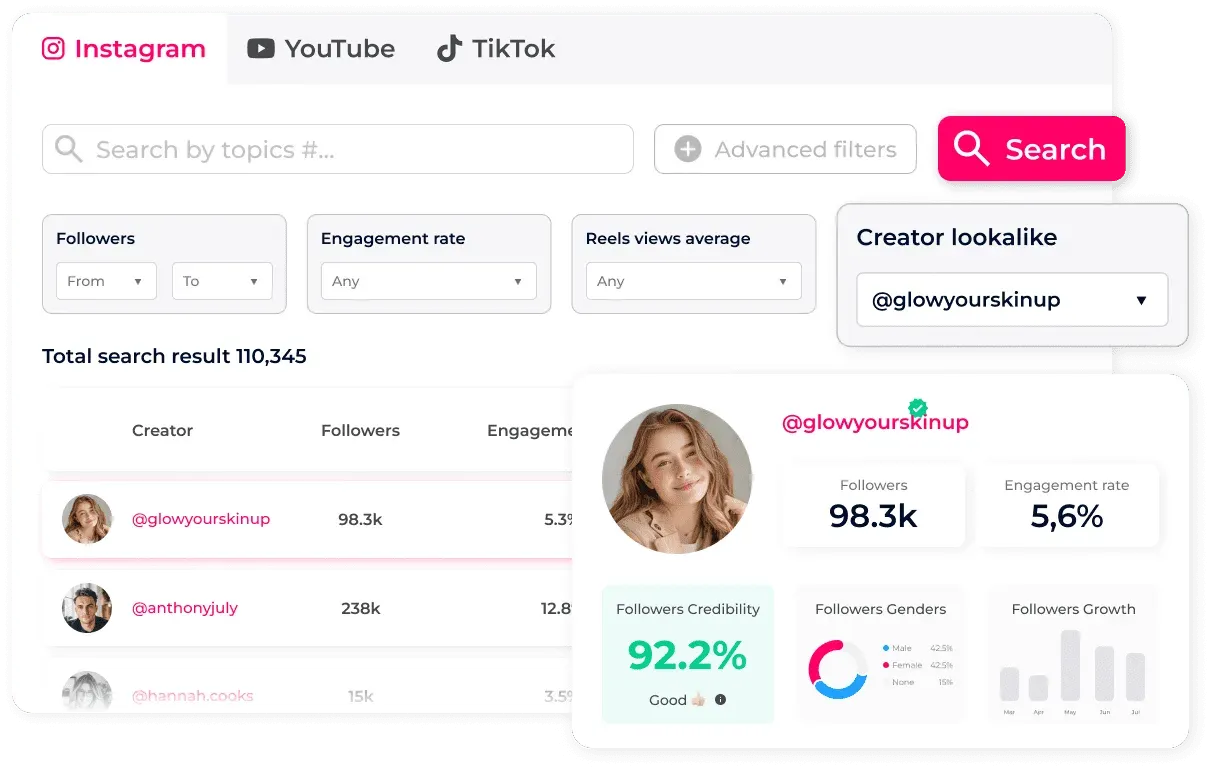
- We list every public profile with 1K+ followers on Instagram, YouTube and TikTok, 425M+ in total.
- Each search shows how many profiles matched, then the first 10. Scroll to unlock more, 10 at a time.
- The last two columns are customisable. Pick the data points you care about (some need a filter applied first).
- Save any creator to a list to contact, track, or pay them later. Got 0 results? Remove a filter to see what is narrowing things.

5 steps to your perfect creator shortlist
Most marketers dump keywords into a search bar and hope. Experts follow a system. Here is the whole thing in 5 moves. We break down each one below.
- Define your objective: Decide who you want and why. It sets every filter that follows.
- Add 2 to 3 critical filters: Start broad with the essentials. Don't pile on, or you'll miss great profiles.
- Layer one power filter: The expert move: niche, bio keyword, topics or 'talks about' to pinpoint creators.
- Find lookalikes: Found a winner? Let the AI surface dozens more just like them.
- Save to a list: Build your shortlist, then analyze, export, contact or pay them in one place.
Step 1: Define your objective
Know who you're looking for before you search
The creators you want decide the filters you use. Start by answering two questions:
What kind of creator? Influencers, UGC creators, or affiliates, and for what campaign? If you want UGC, performance metrics like views and engagement rate don't matter. Content and aesthetic do.
Which platform? Filters differ per platform. Engagement rate matters on Instagram, but on TikTok and YouTube, views are king.
Step 2: Add your 2 to 3 critical filters first
Start broad, then refine
Lesson #1: don't pile on filters. Too many at once and you'll miss great profiles. Add a few, see how many results come back, then refine. The platform tells you if your search is too broad, too niche, or just right.
The most useful starting filters:
- Creator location
- Audience location (city ≤10%, country ≤70%)
- Follower size
- Engagement rate (2 to 3% to start)
- Avg. views / reel views
- Posted in last 30 days
- Total posts (50+)
- Language
Don't go too narrow. A range like 10K to 25K followers can leave you with too few results once other filters stack on top.
Run the search now to see how many profiles are available. That tells you how many more filters you can afford to add. Once you've done Step 3, you can layer in extras like audience gender, age groups, "has an email", or follower growth (great for spotting trending creators).

Step 3: Layer one "power filter" to find creators by niche
The expert move: use these one at a time
Looking for something specific, say, mothers who post about skincare? These are the filters that surface niche creators. Use one at a time to start.
Niche & Interests (Instagram)
Our AI reads captions, photos and videos to detect categories. Audience interests is what the audience engages with. Creator niche is what the creator posts about. Start audience interest at 30 to 40%. Too many results? Raise it to 50 to 70%. You can select multiple interests at once.

Bio keywords
One of the most powerful filters: find any creator worldwide by a word in their bio. Perfect for niche searches (many UGC creators literally write "UGC" in their bio).

Topics
Our AI scans pictures, videos and captions to tag the topics across an account, not just keywords used, but themes it actually detects. Each creator gets several topics.

Pro tip: select multiple topics to include any creator matching any of them. Results auto-sort by "Relevance" (the profiles our AI rates best). You can switch to Followers or other sorts anytime.

Talks About
Find creators by what appears in their captions. Pick one of each type: a keyword (caption text), a hashtag, and a mention (e.g. @nike).


For mentions, use the exact brand handle, or try the brand name as a plain keyword, since creators don't always tag. (Stories aren't covered.)
How it combines: "Talks About" is an AND condition. If you use all three, a creator must match all three to appear.

Superfans: creators who already know your brand
The best creators are the ones who already like you. They'll engage authentically and are easier to negotiate gifting deals with. Three ways to find them:
- Use a brand mention or keyword in "Talks About" to find creators who posted about you before.
- Analyze your own account: go to Search, then Analyze & Compare and enter your handle. You'll see top influencers among your followers and your likers (switch to "Likers Metrics" for the latter).


- Do the same for competitors to find creators already engaged with similar products.