
Briefs, contracten, verlengingen in één werkruimte
Volg relaties, geen deals. Statussen, notities, laatste contact en contracten staan op elk creatorprofiel, gedeeld binnen je team en hergebruikt bij elke campagne.
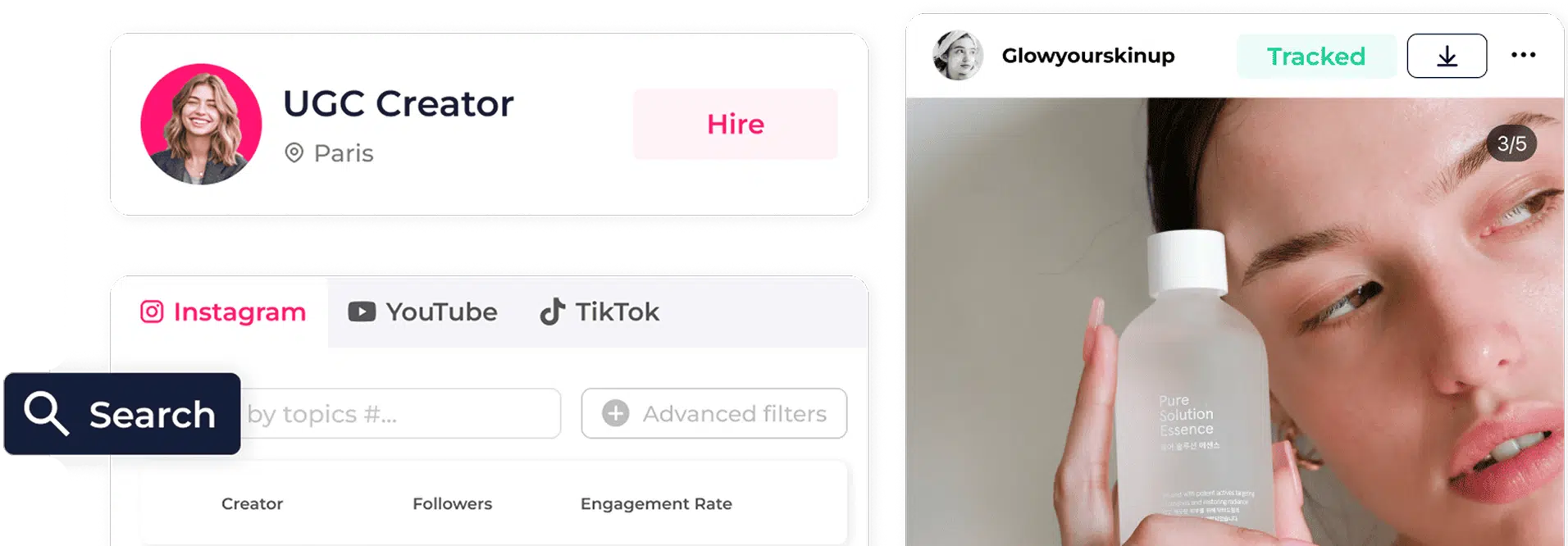
Vertrouwd door meer dan 40.000 marketingprofessionals, oprichters en bureaus
 4,8 ★★★★★ G2
 4,8 ★★★★★ Capterra


Een creatorsamenwerking is geen deal in een pijplijn.
Click Analytic houdt één gedeeld profiel per creator bij, met notities, contracten en eerdere prestaties, zodat hetzelfde profiel waarmee je ze vond, ze tot aan de verlenging blijft volgen.
Hoe een creatorwerkruimte echt werkt
Open de creatorwerkruimte
Alles over deze creator staat erin: eerdere briefs, contracten, content en prestaties.
Voer het werk uit
Stuur een brief, voeg het contract toe, beoordeel het concept, stel de verlengingsdatum in. Elke beslissing krijgt een tijdstempel.
Sluit af en heropen de volgende keer
Draag over naar tracking zodra het live gaat, en dezelfde werkruimte opent voor de volgende ronde.
Eén profiel dat de campagne overleeft
Status en tags
Prospect, product ontvangen, live, terugkerend.
- Zie waar elke creator staat
- Prospect, product ontvangen, live, terugkerend
- Filter je hele creatorlijst op status
Notities en laatste contact
Volledige gesprekscontext, vastgelegd.
- Elk gesprek vastgelegd
- Datum laatste contact in één oogopslag
- Context die een overdracht overleeft
Contracten en deliverables
Wat is afgesproken, wat er nog moet.
- Wat is afgesproken, op één plek
- Deliverables en deadlines
- Vooraf ingevuld vanuit een contractsjabloon
Eerdere campagnes en prestaties
Wat ze voor je hebben gedaan, en hoe het ging.
- Elke eerdere campagne vastgelegd
- Hoe elke campagne echt presteerde
- Verleng de campagnes die resultaat leverden
Contactgegevens en socials
E-mail en handles, op één plek.
- E-mail en elke handle samen
- Op hetzelfde creatorprofiel
- Nooit meer op zoek naar een contact
Gedeeld binnen het team
Geen bottleneck bij één inbox.
- Gedeeld op werkruimteniveau
- Geen bottleneck bij één inbox
- Bureaus scheiden klanten netjes
Een CRM gebouwd voor creators, niet voor deals
Per creator: status, notities, contracten en eerdere prestaties, van eerste contact tot verlenging.
Profielen staan op werkruimteniveau, zodat het hele team dezelfde context ziet.
Hetzelfde profiel loopt door discovery, analyse, outreach, gifting en tracking.

Hoe Shop Balou honderden creators vanaf dag één georganiseerd hield
“We launched hoping to get noticed. Ten days later we had thousands of new followers, sales coming in, and people talking about the brand.”

Waarom Gmail plus Slack plus Notion niet meer werkt vanaf 20 creators
Start een gratis proefperiode van 14 dagen
Dit zeggen onze klanten
We found out Sydney Sweeney was already using Skyn ICELAND thanks to Click Analytic.

Click Analytic transformed our marketing. Within just a few weeks, we multiplied our sales and finally found a channel that consistently delivered. A 10 out of 10.

We launched hoping to get noticed. Ten days later we had thousands of new followers, sales coming in, and people talking about the brand.
The features are outstanding: from the 400M+ creator database to the lookalike tool and keyword search, all of which saved us countless hours. A perfect fit for smaller brands.

Click was life changing for our team. The data is so precise it feels like a Google search for Instagram or TikTok. It instantly shows every creator in a city, posting about what we need, with the right stats.

It helped us set up and scale our influencer program to generate +10K new sign-ups in less than a month.

Tracking campaigns meant spending weekends taking screenshots. With Click Analytic it's all automated, saving my team hours.

My team at Trio has used Click Analytic for all our campaigns over the past 2 years, from finding creators, to tracking results, to paying influencers directly in the tool.
Alles wat de werkruimte voedt
Met Click Analytic beheer je je hele programma, niet alleen het CRM.
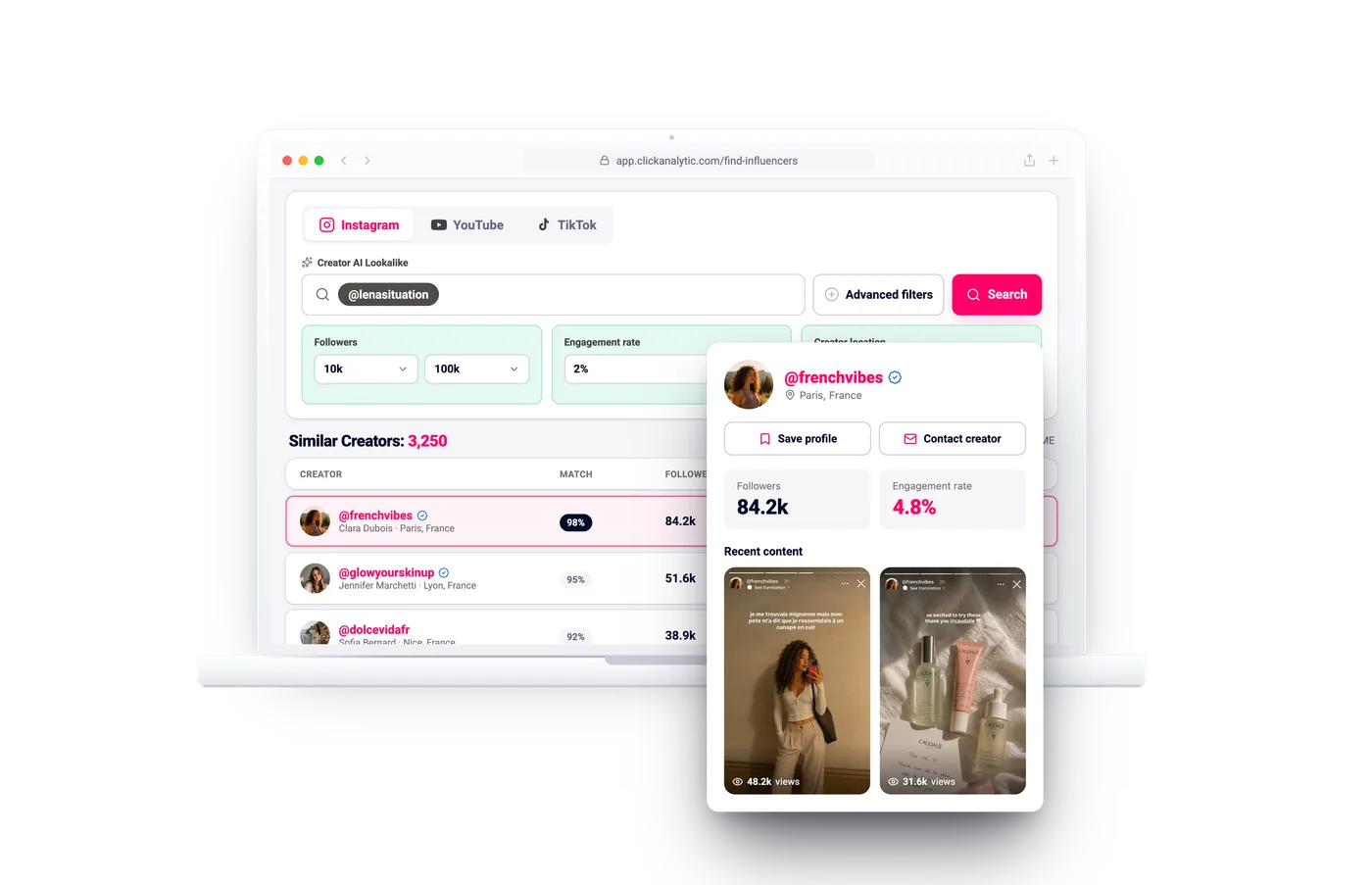
Influencers ontdekken
Doorzoek 400 mln+ creators op wat ze echt posten, met de publiekskwaliteit direct in beeld.
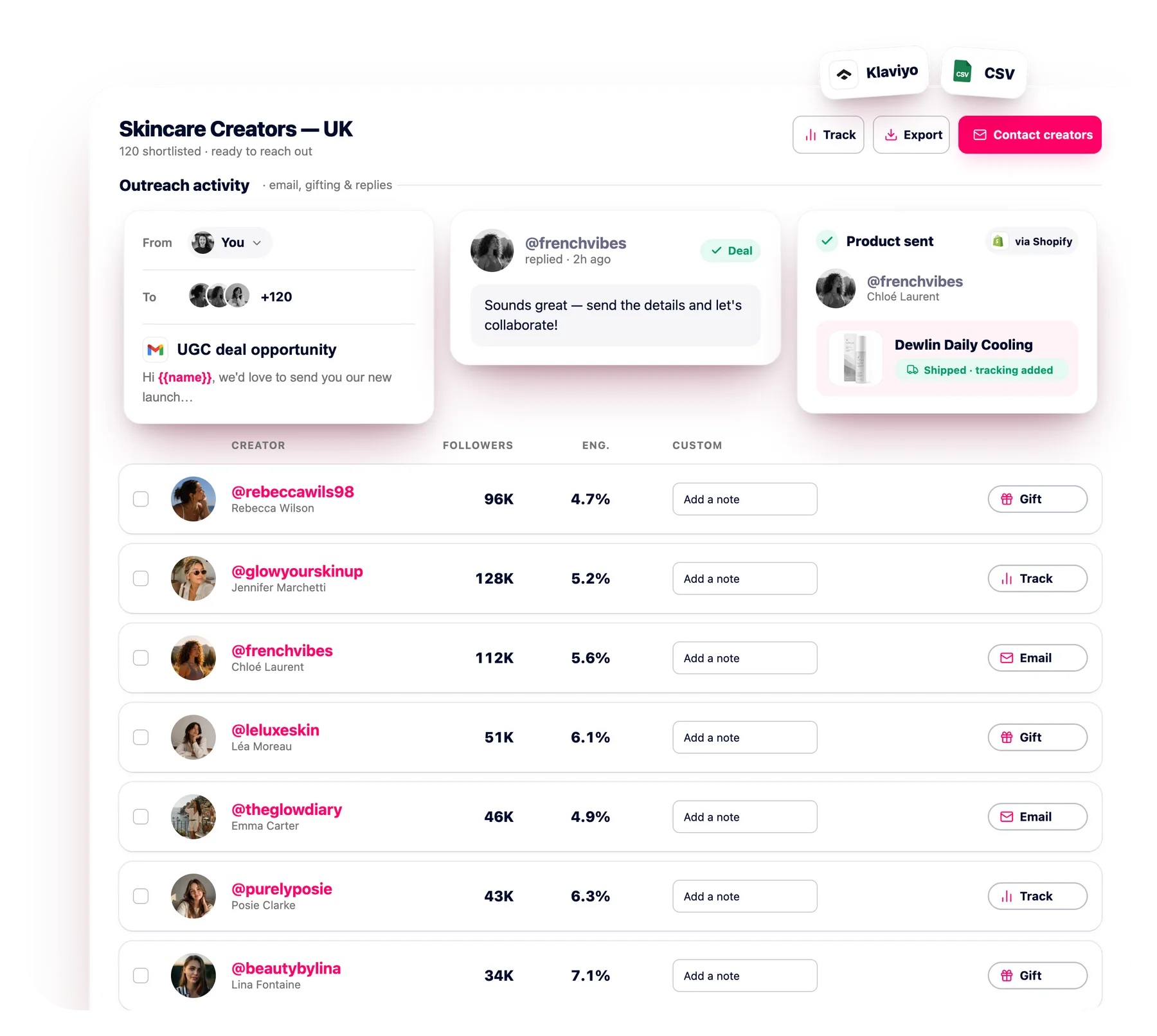
E-mailoutreach
Mail honderden creators tegelijk met automatische follow-ups, elke reactie in één inbox.
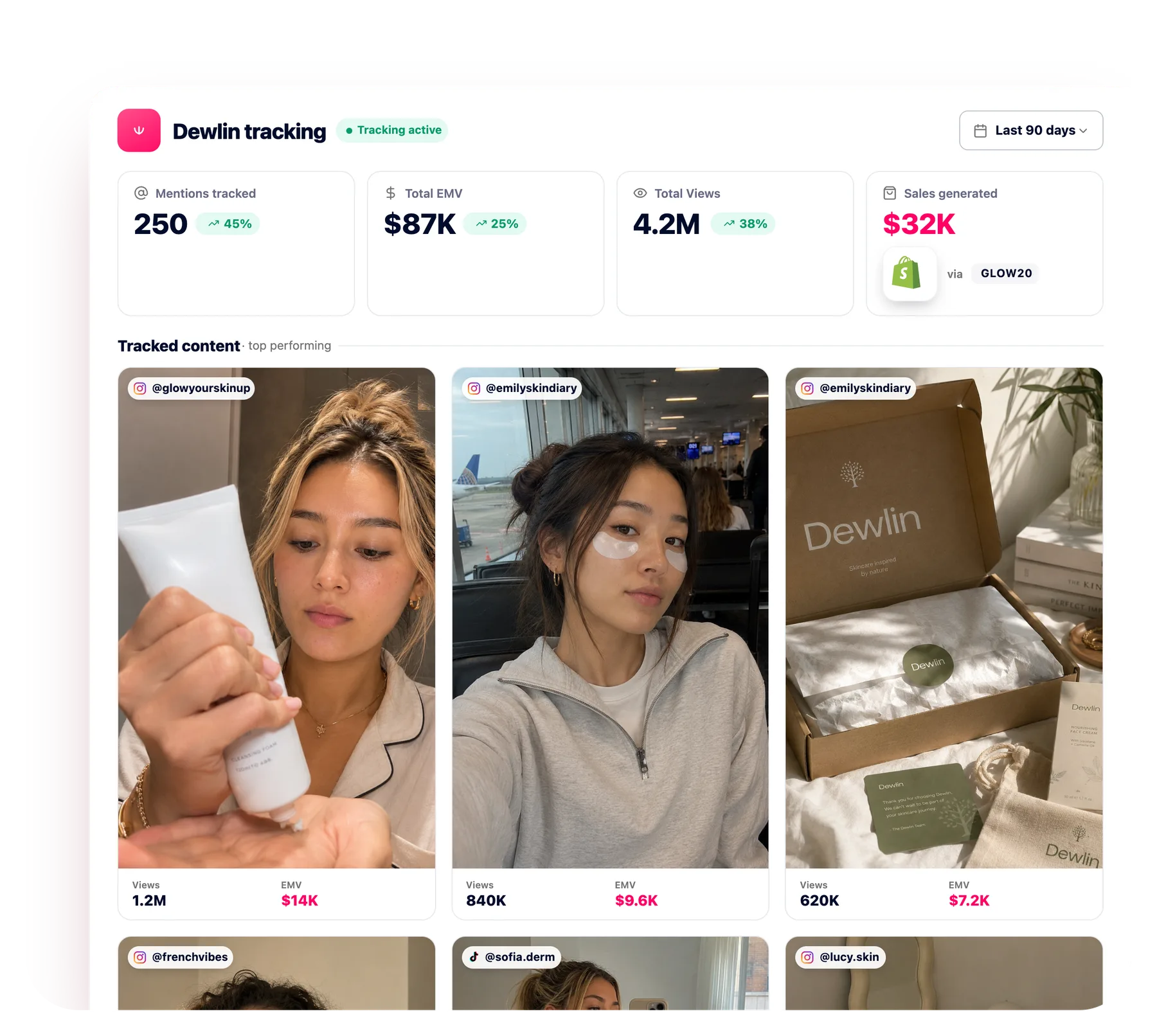
Campagnevolging
Verzamel automatisch elke post, story en verkoop om de echte ROI van elke creator te zien.
Hoe verschilt dit van een sales-CRM?
Een sales-CRM draait om dealfases en omzetprognoses. Dit is gebouwd rond creatorrelaties: status, gifting, contentgeschiedenis en contracten.
Kan mijn hele team het gebruiken?
Ja. Profielen en shortlists zijn gedeeld op werkruimteniveau. Hogere abonnementen bevatten meer gebruikers.
Kunnen bureaus klanten scheiden?
Ja. Elke klant krijgt een eigen werkruimte, terwijl je team toegang houdt tot alle klanten.
Is het verbonden met de rest van het platform?
Ja. Hetzelfde creatorprofiel loopt door discovery, analyse, outreach, gifting en tracking.
Kan ik mijn creatorlijst exporteren?
Ja. Exporteer profielen en shortlists op elk moment naar CSV, zodat je data nooit vastzit.
Beheer je creators vanuit één werkruimte
Geen creditcard nodig. Houd elke brief, elk contract en elke verlenging op één gedeeld creatorprofiel.
Start gratis
 rebeccawils98Gevolgd
 3/5
3/5