Acompanhe cada publicação, story e venda, automaticamente
Chega de correr atrás de capturas de tela. A Click Analytic coleta automaticamente todas as publicações e stories dos criadores que marcam a sua marca no Instagram e no TikTok, com EMV, impressões e vendas do Shopify em tempo real, em um só lugar.
 via GLOW20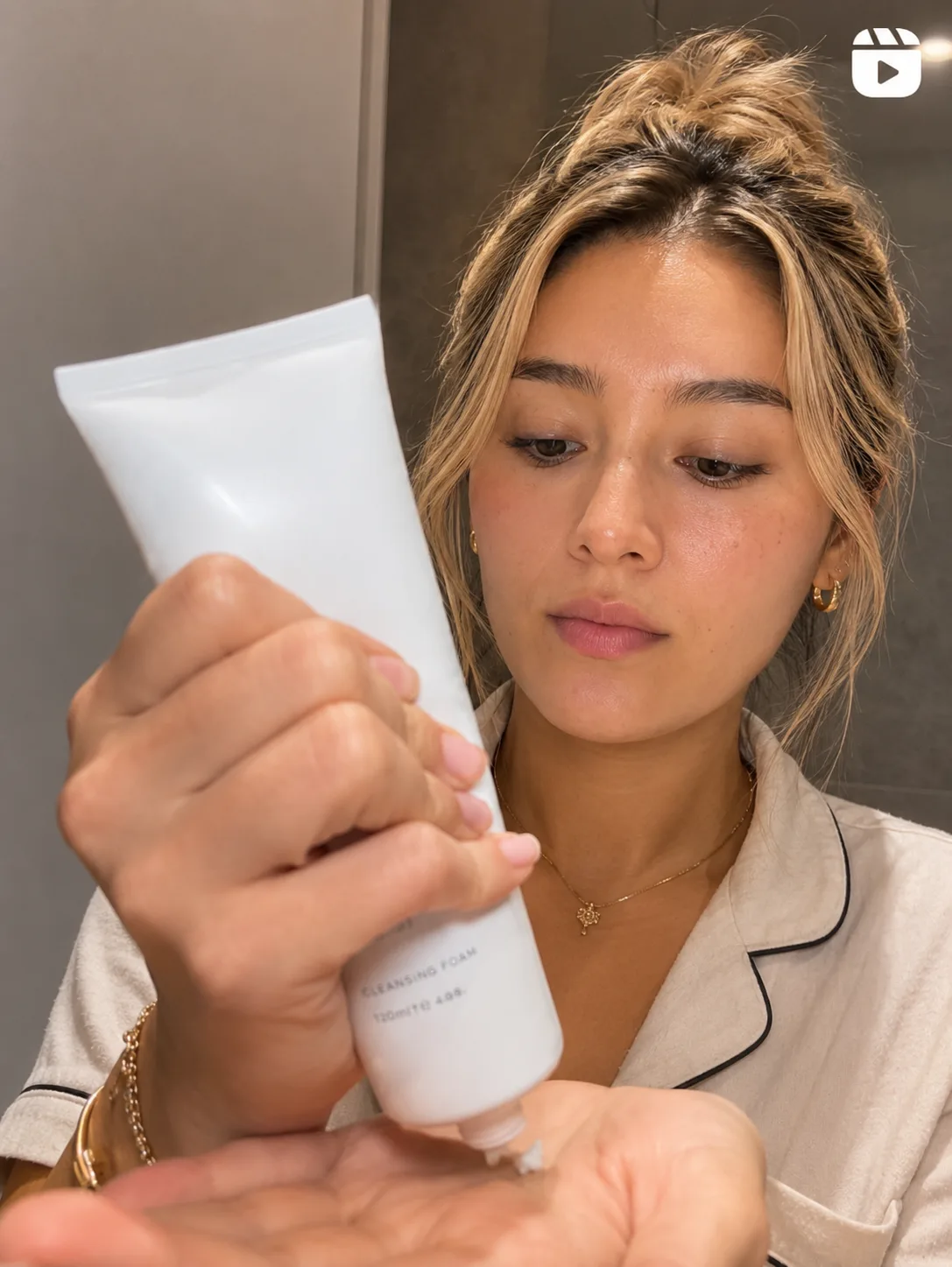
Mais de 40.000 profissionais de marketing, fundadores e agências confiam em nós
 4,8 ★★★★★ G2
 4,8 ★★★★★ Capterra


Perdendo stories antes de conseguir salvá-los? A gente captura para você.
Verificar publicações manualmente e salvar stories não escala. A Click Analytic coleta automaticamente todas as publicações, stories e vendas dos seus criadores e atualiza as estatísticas todos os dias, tudo num só painel de campanha.
Em minutos, acompanhe uma campanha no Instagram e no TikTok
Configurar a sua campanha
Insira um nome, escolha as plataformas e defina as datas de início e fim. Altere qualquer configuração enquanto a campanha estiver ativa.
Adicionar criadores e pontos de acompanhamento
Importe criadores das suas listas e adicione as menções e hashtags a acompanhar no Instagram e no TikTok.
Revisar os resultados
Veja o conteúdo, EMV, cliques e vendas chegarem automaticamente, atualizados todos os dias, por criador e no total.
Transforme cada publicação em ROI comprovado


 +39 Importados
Configure uma campanha e importe criadores
Insira um nome, escolha as plataformas e as datas e depois importe criadores das suas listas ou adicione-os manualmente. Altere qualquer configuração enquanto a campanha estiver ativa.
- Nome, plataformas e datas
- Importe criadores de qualquer lista
- Instagram e TikTok juntos
Acompanhe as menções e hashtags certas
Adicione as menções e hashtags que deseja acompanhar em cada plataforma e a Click Analytic coleta automaticamente o conteúdo para você, sem necessidade de cadastro dos criadores.
- Menções e hashtags por plataforma
- Instagram e TikTok juntos
- Sem necessidade de cadastro do criador
Acompanhe todos os tipos de conteúdo
Escolha exatamente o que acompanhar, desde publicações e reels a stories e TikToks. Captamos até as stories antes de desaparecerem, e atualizamos as estatísticas todos os dias.
- Publicações, reels, stories e TikToks
- Stories captadas antes de expirarem
- Estatísticas atualizadas diariamente
Cada conteúdo, acompanhado diariamente
Cada publicação é acompanhada e as suas estatísticas atualizadas todos os dias. Filtre por criador, data ou plataforma, veja que conteúdo teve melhor desempenho e exporte qualquer vídeo ou imagem.
- Estatísticas atualizadas todos os dias
- Filtre por criador, data ou plataforma
- Identifique os melhores desempenhos e exporte conteúdo
Veja toda a sua campanha de uma só vez
EMV total, impressões, cliques, engajamento, visualizações, pedidos e vendas a partir de códigos promocionais do Shopify, além de CPM e CPC, tudo em todos os criadores e conteúdos.
- EMV, impressões, cliques e eng.
- Pedidos e vendas via Shopify
- CPM e CPC em todo o conteúdo
Prove o ROI de cada criador
Veja as curtidas, visualizações, impressões, engajamento e número de conteúdos de cada criador. Crie links UTM e códigos promocionais do Shopify para acompanhar os cliques, pedidos e vendas que cada um gera.
- Curtidas, visualizações e engajamento por criador
- Links UTM acompanham cada clique
- Códigos promocionais do Shopify acompanham vendas
Acompanhamento de campanhas de influenciadores criado para provar o ROI
Estatísticas atualizadas automaticamente em cada publicação, story e vídeo que acompanha.
Criadores acompanhados em campanhas, em média, todos os meses.
EMV de criadores acompanhado em campanhas na Click Analytic.
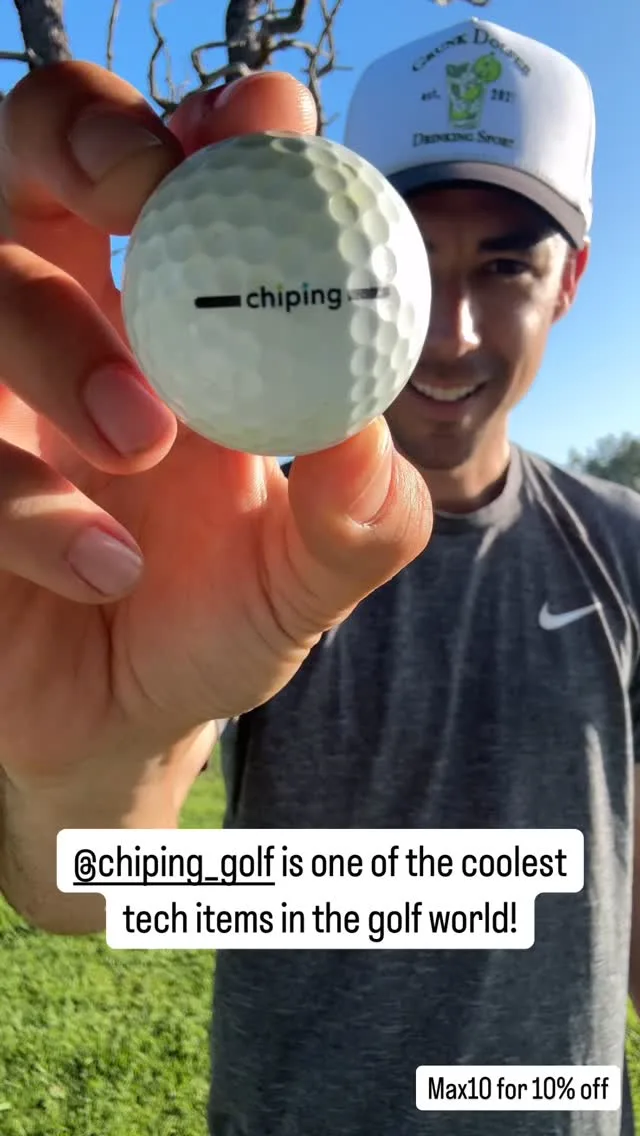
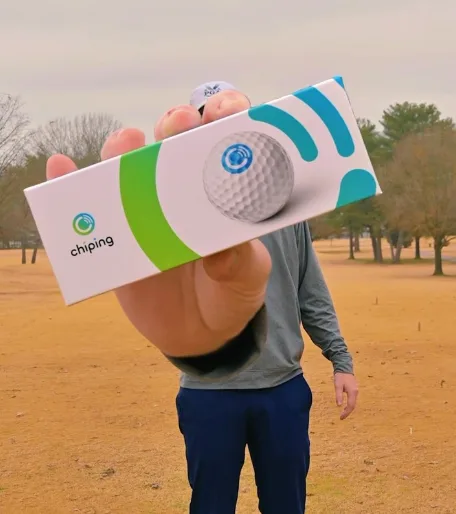
Como a Chip-ing acompanha o conteúdo que multiplicou as vendas
“Click Analytic transformed our marketing. Within just a few weeks, we multiplied our sales and finally found a channel that consistently delivered.”

Automatize os relatórios da sua campanha e prove o ROI real
Começar o teste gratuito de 14 dias
O que nossos clientes dizem
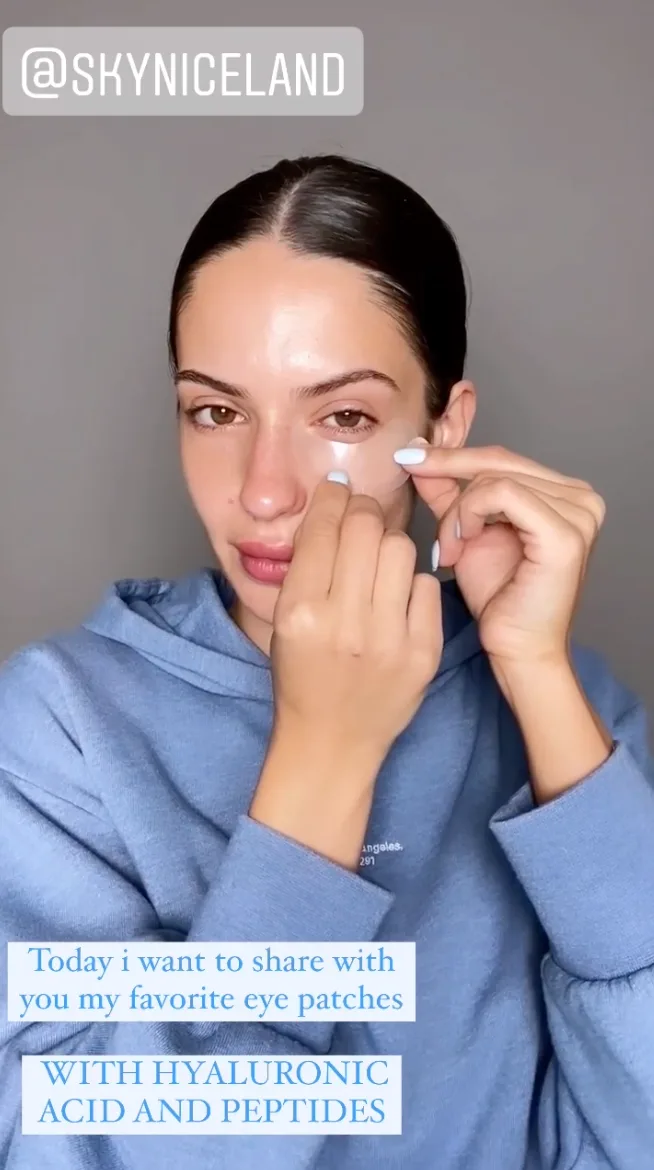
We found out Sydney Sweeney was already using Skyn ICELAND thanks to Click Analytic.

Click Analytic transformed our marketing. Within just a few weeks, we multiplied our sales and finally found a channel that consistently delivered. A 10 out of 10.
We launched hoping to get noticed. Ten days later we had thousands of new followers, sales coming in, and people talking about the brand.

The features are outstanding: from the 400M+ creator database to the lookalike tool and keyword search, all of which saved us countless hours. A perfect fit for smaller brands.

Click was life changing for our team. The data is so precise it feels like a Google search for Instagram or TikTok. It instantly shows every creator in a city, posting about what we need, with the right stats.

It helped us set up and scale our influencer program to generate +10K new sign-ups in less than a month.

Tracking campaigns meant spending weekends taking screenshots. With Click Analytic it's all automated, saving my team hours.

My team at Trio has used Click Analytic for all our campaigns over the past 2 years, from finding creators, to tracking results, to paying influencers directly in the tool.
Gerencie todo o seu programa de influenciadores numa só plataforma
Desde encontrar criadores até lhes pagar, a Click Analytic gerencia todas as etapas do seu programa, não apenas o acompanhamento.
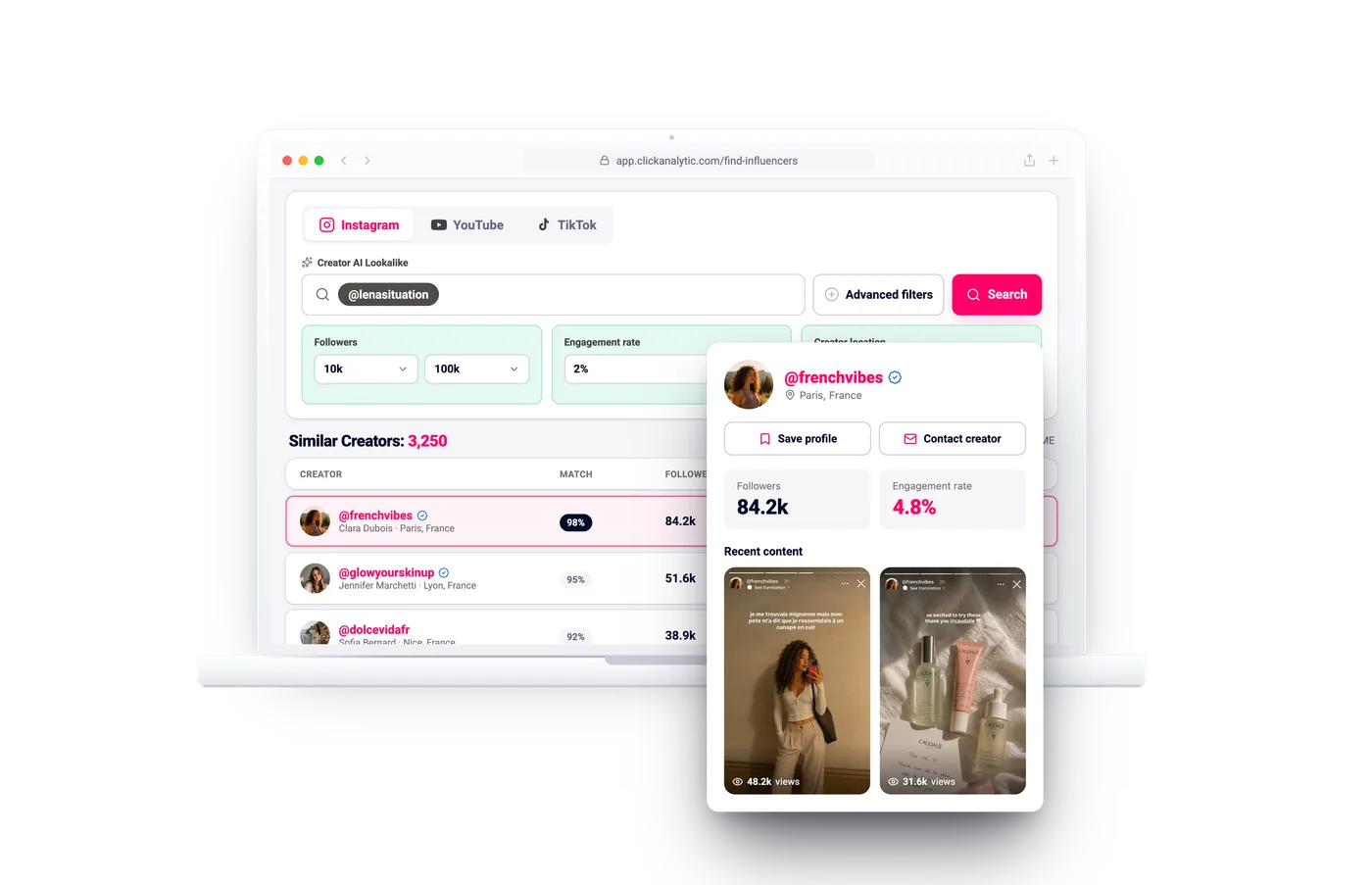
Descoberta de influenciadores
Pesquise 400 mi+ criadores pelo que realmente publicam, com a qualidade da audiência logo de cara.
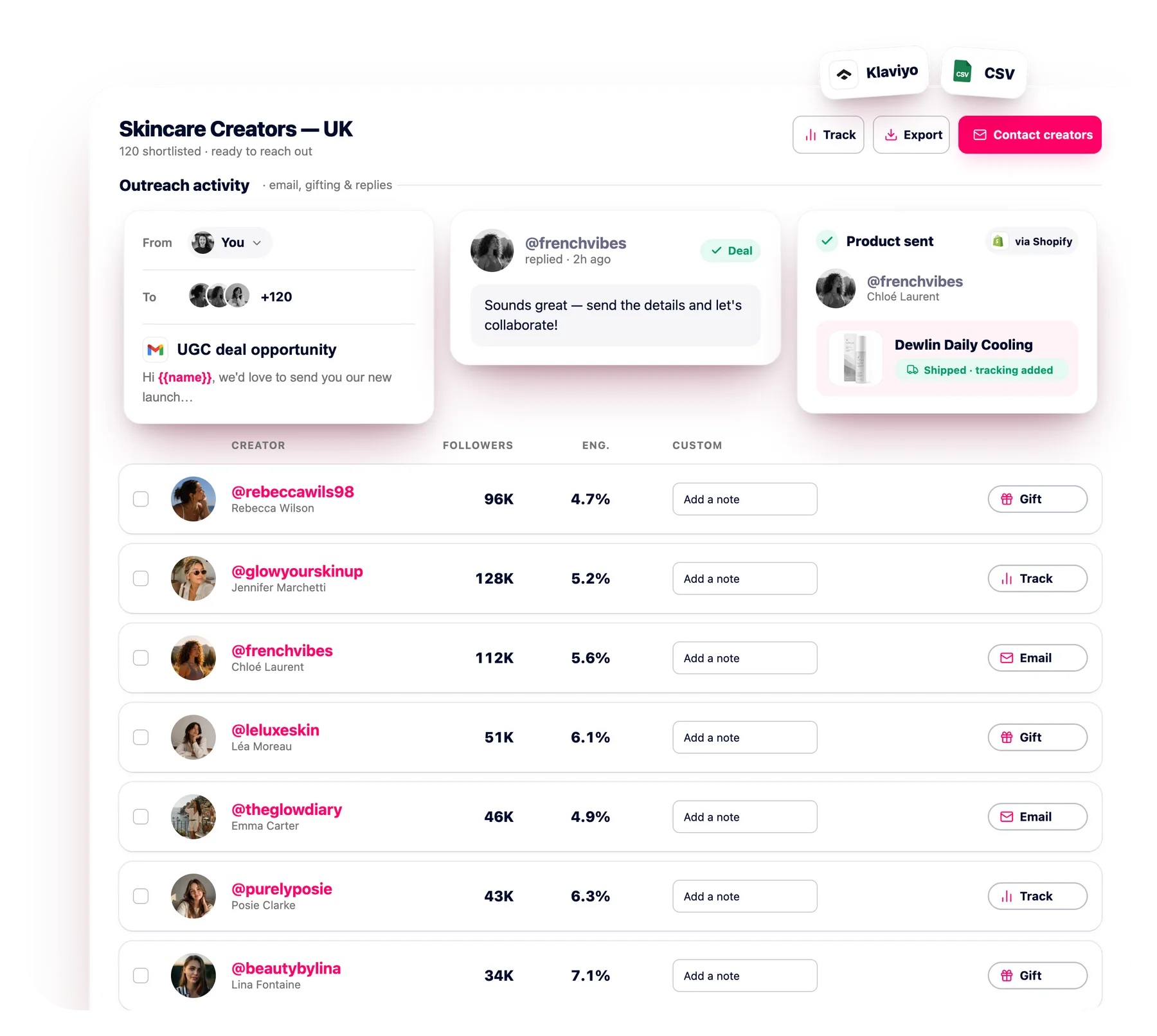
Prospecção por e-mail
Envie e-mail a centenas de criadores de uma vez com acompanhamentos automatizados, todas as respostas numa caixa de entrada.
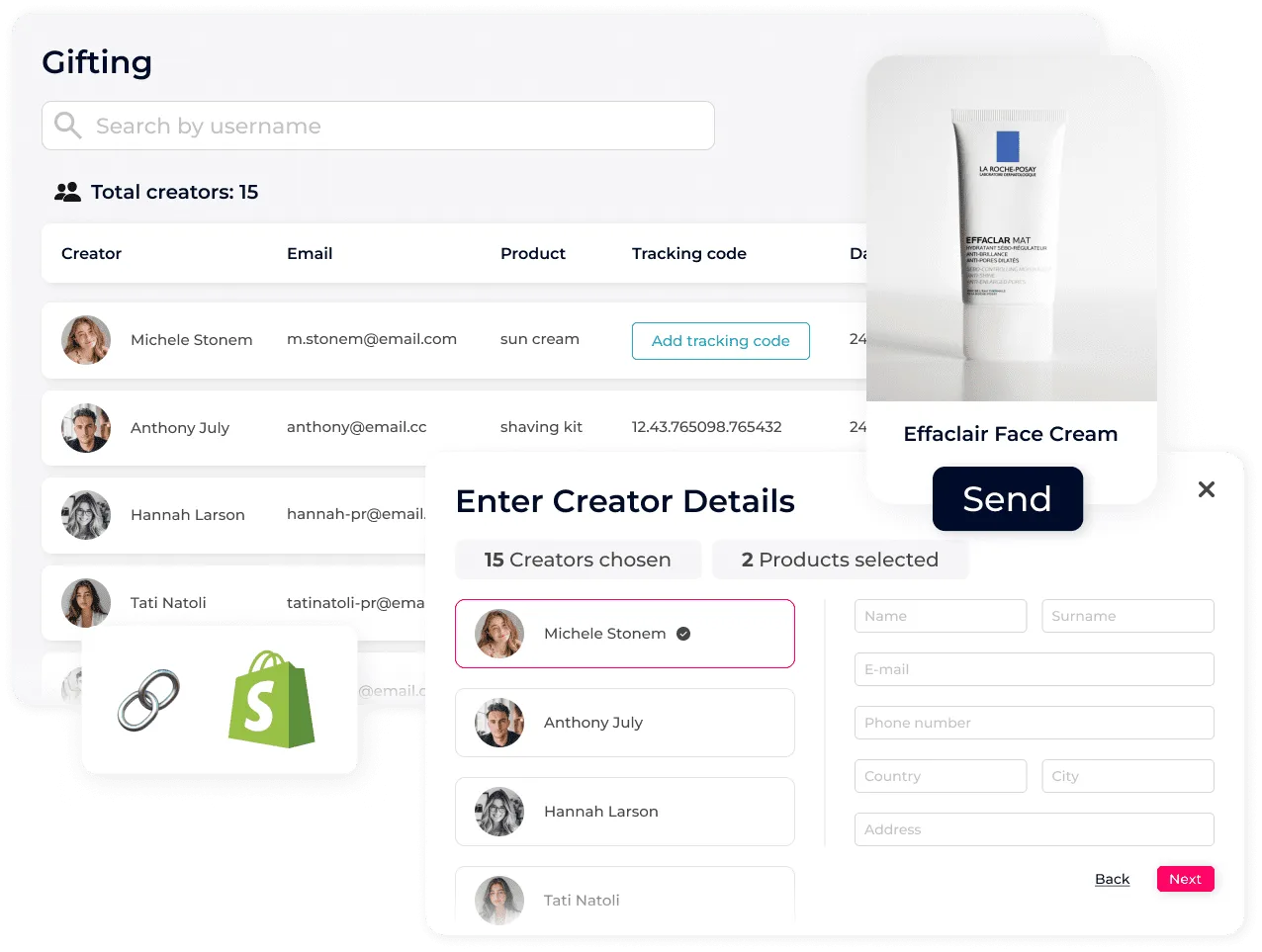
Envio de produtos para influenciadores
Envie produtos e acompanhe cada envio em escala, diretamente do Shopify.
Como o acompanhamento coleta o conteúdo?
Adicione as menções e hashtags a seguir por plataforma e a Click Analytic coleta automaticamente cada publicação, story e vídeo para você, sem necessidade de cadastro do criador.
Que plataformas posso acompanhar?
Instagram e TikTok, na mesma campanha e ao mesmo tempo.
Posso acompanhar vendas e cliques?
Sim. Crie links UTM e, com o Shopify conectado, códigos promocionais exclusivos por criador para acompanhar cliques, pedidos e vendas.
Com que frequência são atualizadas as estatísticas?
Todos os dias. A Click Analytic atualiza visualizações, curtidas, comentários e impressões em cada conteúdo, e você pode editar qualquer estatística manualmente.
Qual é a diferença em relação à Escuta Social?
O acompanhamento é feito para uma campanha e criadores específicos, com foco no desempenho do conteúdo e das vendas. A Escuta Social monitora todas as menções à marca ao longo do tempo. O acompanhamento também captura stories.
Comece a acompanhar cada campanha
Sem necessidade de cartão de crédito. Configure a sua primeira campanha e veja os resultados chegarem automaticamente.
Obter Acesso Gratuito rebeccawils98Monitorado
 3/5
3/5